cryptocrowns.org nfts archives store historical NFT records. The archive helps users verify ownership, track provenance, and research market trends. The guide explains how the archive works. It shows search steps, data fields, and export options. The guide serves researchers, collectors, and developers. It uses clear steps and practical tips.
Key Takeaways
- cryptocrowns.org NFTs archives serve as a comprehensive, searchable ledger of historical NFT records aiding ownership verification and provenance tracking.
- The archive organizes NFTs by collection, drop events, and metadata, making it easy to compare traits, sales, and transaction histories across time.
- Users can search, filter, and export NFT data through a user-friendly interface with options to bookmark, download CSVs, or use an API for automated access.
- Each archive entry provides detailed provenance including transaction hashes, ownership history, and authenticity markers to help identify rarity and detect fraud.
- Researchers, collectors, and developers benefit by following best practices like verifying contract addresses, respecting API limits, and cross-checking data with block explorers.
- Using the cryptocrowns.org NFT archives enhances market insight, ensures authenticity, and supports data-driven decision-making for all NFT stakeholders.
What The CryptoCrowns.org NFT Archive Is And Why It Matters
cryptocrowns.org nfts archives act as a searchable ledger for past and present token activity. The archive stores token metadata, images, sale records, and wallet transfers. It records timestamps and transaction hashes. The archive helps users confirm claims about rarity and provenance. It helps buyers avoid scams and duplicates. It helps researchers measure project lifespan and market cycles. It helps developers pull historical data for analytics and tools.
How The Archive Is Organized: Collections, Drops, And Metadata
cryptocrowns.org nfts archives group items by collection, drop event, and token ID. Each collection page lists active and archived drops. Each drop page lists token mint details and initial sale price. Metadata fields include name, description, image link, traits, and schema version. The archive tags entries with contract address and chain. The archive links to on-chain transactions for provenance. The structure makes it easy to compare drops and traits across time.
Step-By-Step: Searching, Filtering, And Viewing Archived NFTs
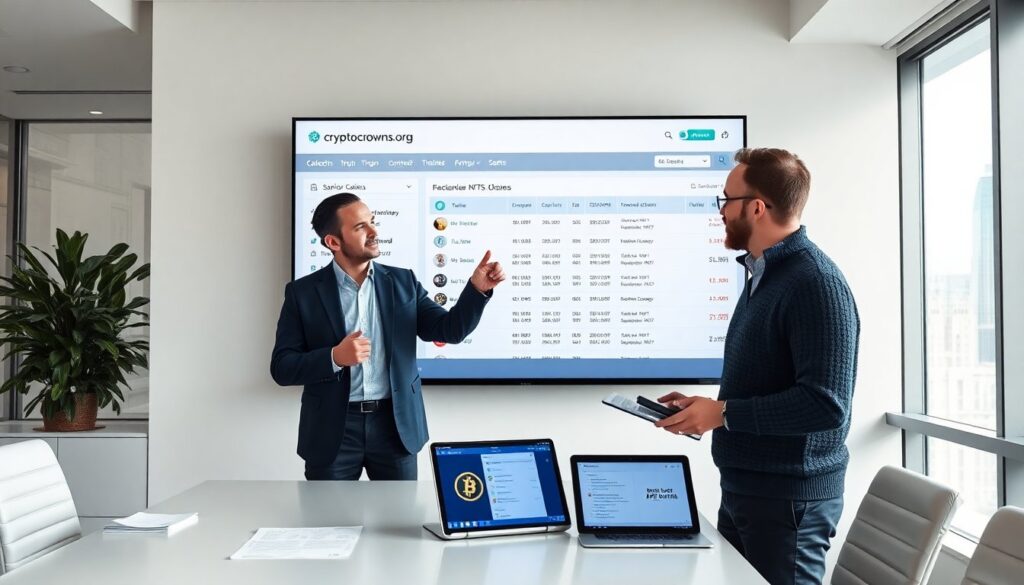
cryptocrowns.org nfts archives offer a search bar and advanced filters. The user types collection name, token ID, or wallet address. The user applies filters for date range, trait, and sale status. The site returns matching entries with thumbnails and key fields. The user clicks an entry to open a detailed view. The detailed view shows image, metadata, and linked transactions. The user saves results with the bookmark feature or exports data for offline use.
Reading Archive Entries: Provenance, Ownership History, And On-Chain Data
cryptocrowns.org nfts archives show each transaction in a simple list. The list shows block number, timestamp, from and to addresses, and value. The entry shows the mint transaction and subsequent transfers. The entry links the transaction hash to a block explorer. The entry highlights flagged events such as bulk mints or marketplace delists. The entry shows current owner and past owners in order. The entry helps the user understand ownership flow and sale patterns.
Verifying Authenticity And Interpreting Rarity Metrics
cryptocrowns.org nfts archives include authenticity markers and rarity scores. The user checks the contract address and verified badge. The user compares mint count and trait frequency to compute rarity percentiles. The archive lists trait occurrences and global rank. The user reads notes on flagged duplicates and suspected fraud. The user uses rarity with price history to form a value view. The archive warns when a token lacks complete on-chain data.
Downloading Records, Exporting CSVs, And Using The API
cryptocrowns.org nfts archives let users export entry lists as CSV. The user selects fields and clicks export. The site delivers a download link or emails the file for large sets. The archive also offers an API with REST endpoints. The developer requests token lists, traits, and transaction history via the API. The API returns JSON with clear keys for date, hash, and addresses. The API supports rate limits and API keys for paid tiers.
Best Practices For Researchers, Collectors, And Developers Using The Archives
Researchers should record contract addresses and snapshot dates. Collectors should confirm verified badges and check ownership chains. Developers should cache API responses and respect rate limits. All users should cross-check archive records with block explorers for high-value claims. All users should download CSVs for batch analysis and back up key records. All users should report mismatches to site support with transaction hashes and screenshots.